
Asiga MAX 2 support
On this page you can find an overview of the most frequently asked questions and common issues related to printing with the Asiga MAX 2 3D printer.
Print defect - Delamination
Delamination (Layer Separation)
Delamination, often referred to as layer seperation, is print defect that occurs when two or more layers are not properly bonded together. This can occur with all types of 3D printers. Below are several possible reasons why this may happen.
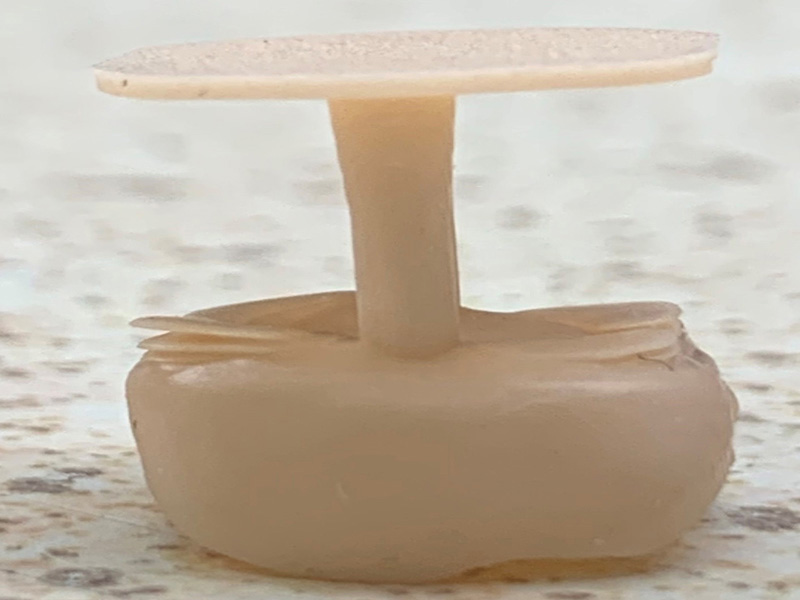
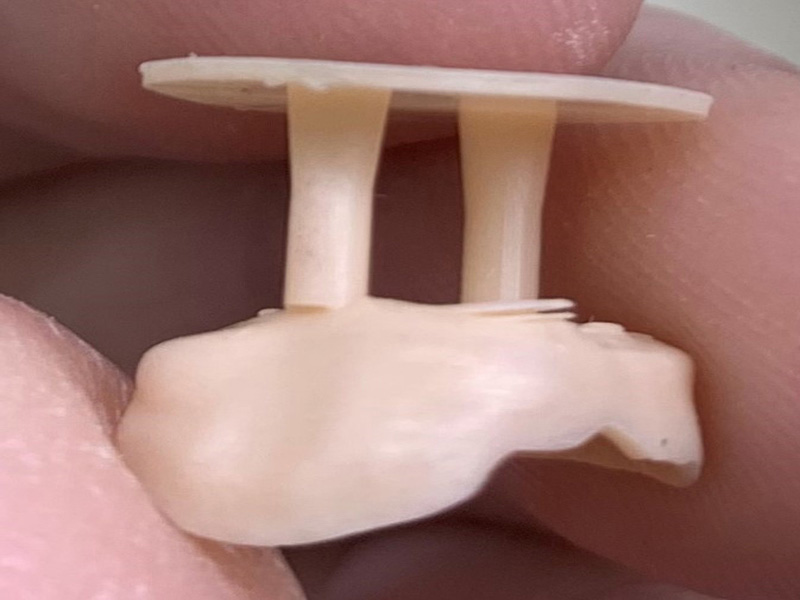
Insufficient use of supports
The main cause of layer separation is the incorrect placement of print supports.
When placing supports, it is important to properly support critical areas, such as overhangs. An overhang without support can lead to failed prints.
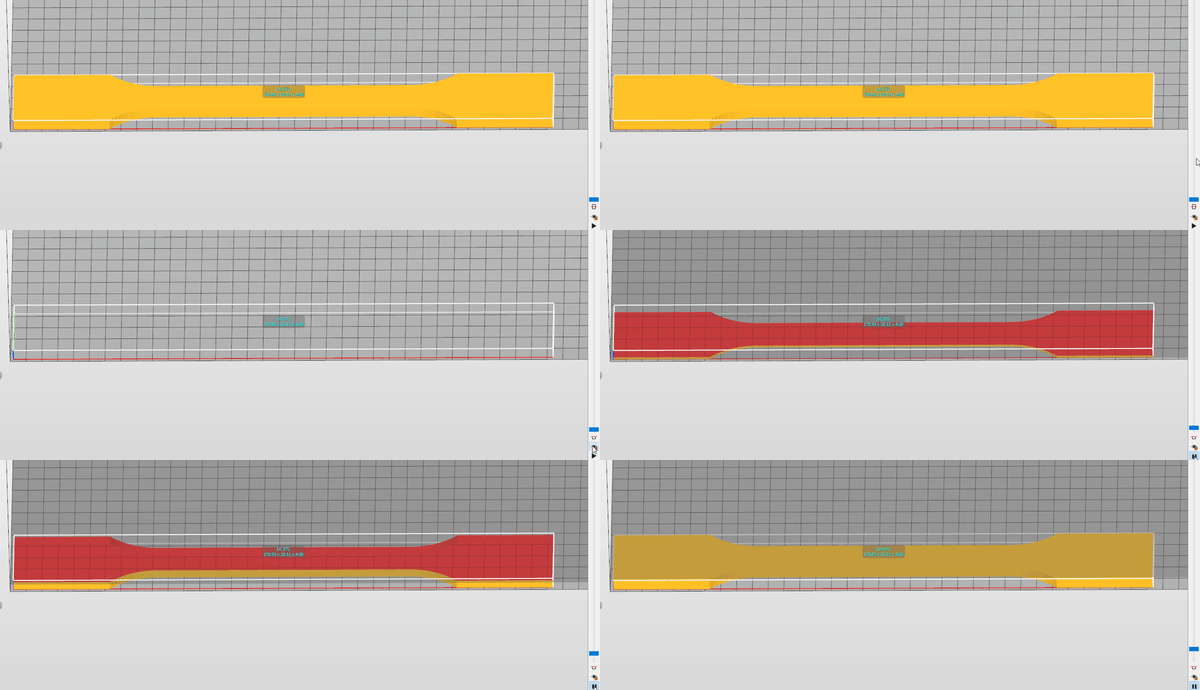
Always refer to the self-support angle in the support generation window if you are unsure whether an overhang has sufficient support.
Laag materiaalniveau
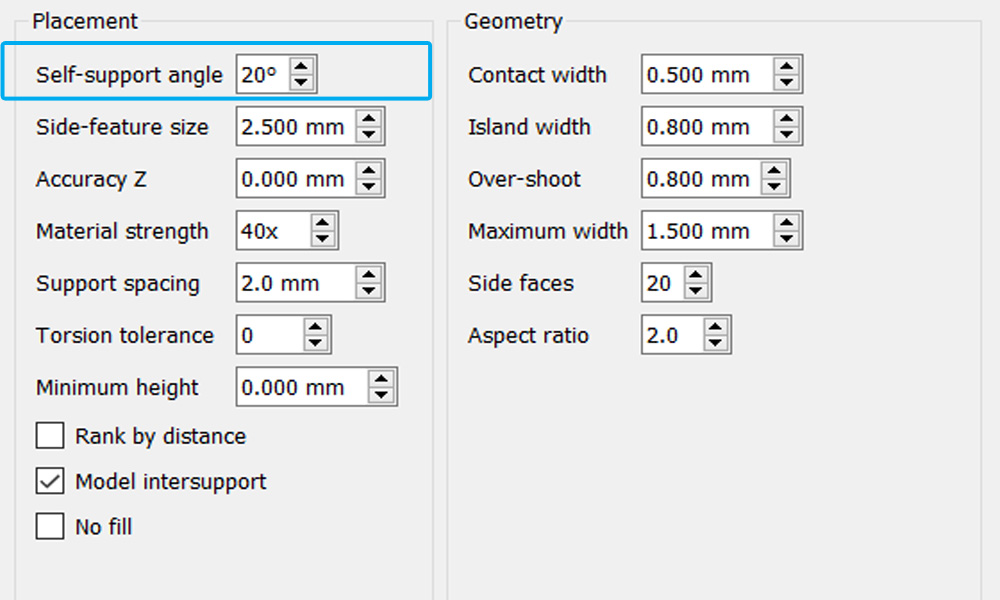
If the material level is too low, layers may also separate. During the printing process, the printer attempts to compress the material to the desired layer thickness. However, if there is not enough material in de tray the printer will compress air instead of resin.
This can cause layers to separate and can significantly increase the print time.
Asiga recommends filling the build tray to at least 75% or to the indicated fill level starting a print.
If you are still experiencing technical issues, please create a support ticket using the button below or contact us.
Print defect - Tags or flakes
Why are there resin residues, protrusions, or flakes on my prints?
If you notice extra cured material on your prints, this page explains why this happens and how you can prevent it.
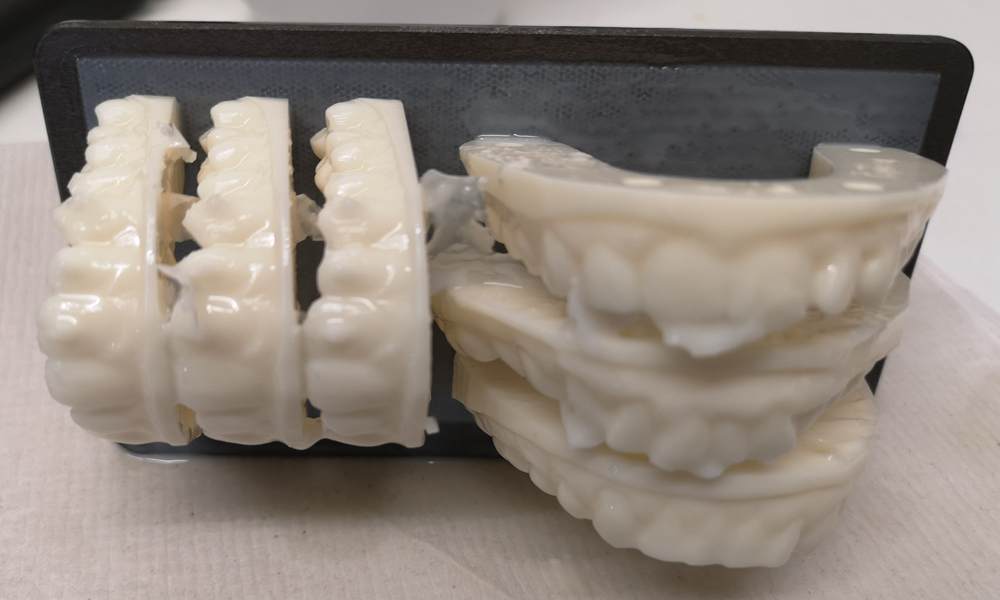
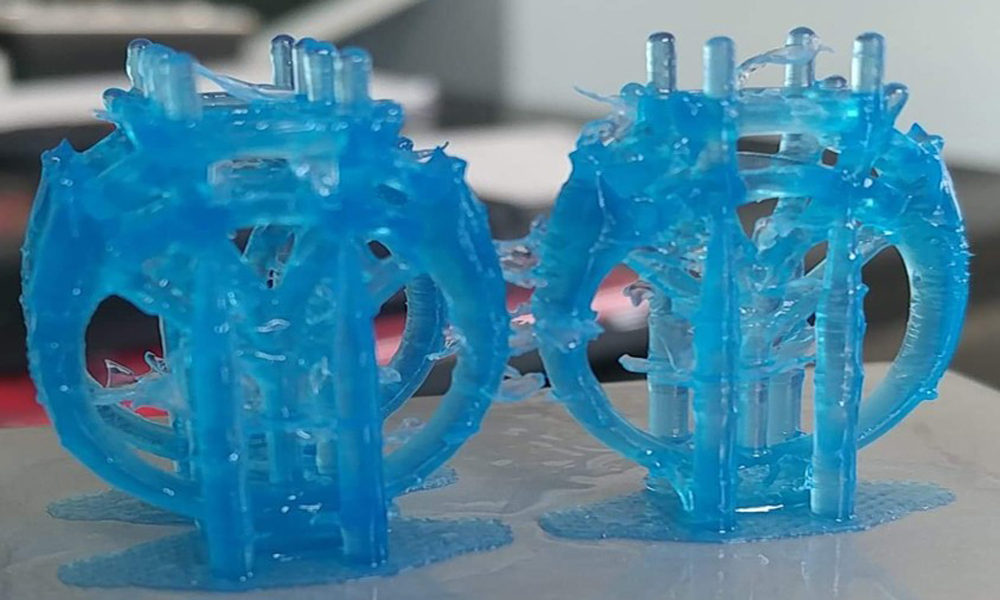
Extra cured material is caused by light scattering
Light scattering occurs when an obstacle partially blocks the light before it reaches its destination. This effect can be caused by contaminated optics such as:
- Dirt on the glass of the resin
- A damaged build tray
- Debris in the resin tray
If the tray contains stains or cured resin, this will cause light scattering. Use a flashlight to make the glass plate easier to inspect.
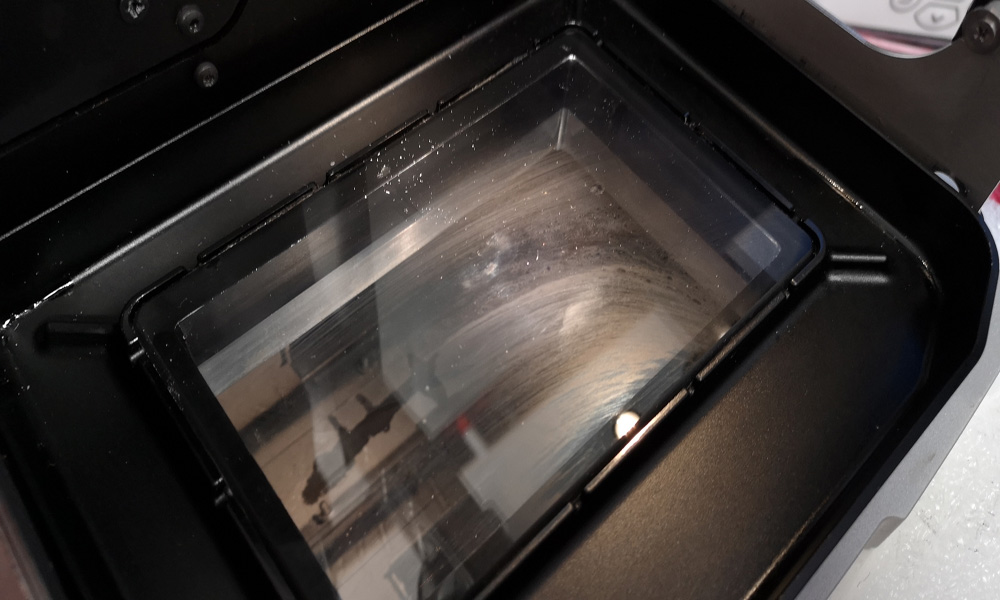
The video below shows how to clean the glass of the Max basin in the recommended way.
Damaged build tray
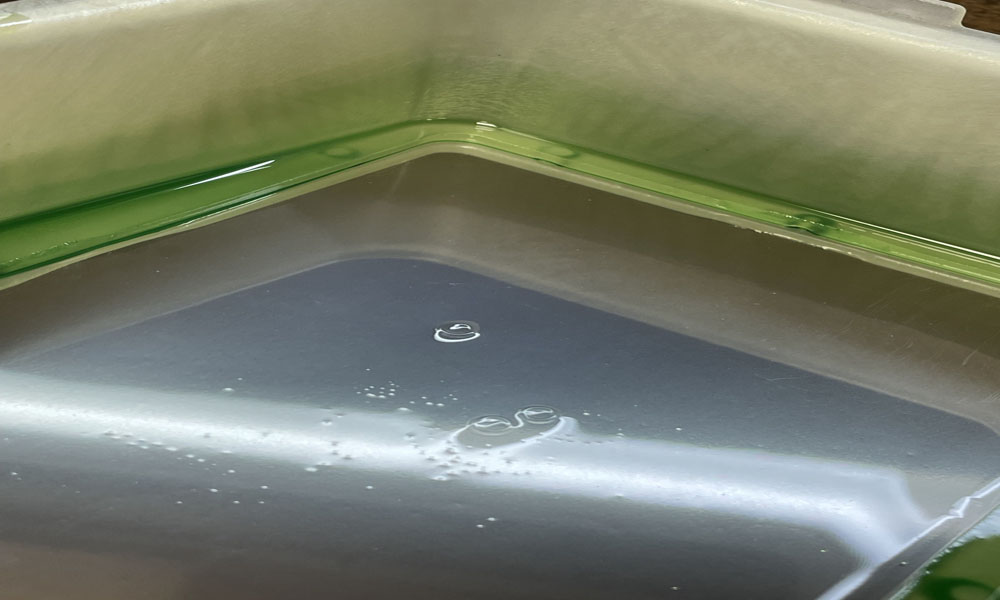
If the film of the build tray is damaged, this can cause printing issues.
It is important to properly maintain the the build tray for optimal performance.
If the build tray is damaged or stretched, consider replacing it with a new one to help prevent potential misprints.
If you are still experiencing technical issues, please create a support ticket using the button below or contact us.
Printer overview
Asiga Max 2 printer overview
The image above shows an overview of the main components of the Asiga MAX 2 3D printer
- Hood
- Build Platform Knob
- Build Platform
- Build Tray Clamps
- Front Panel/LCD screen
- Basin
- Build Tray
Bodywork overview
Hood
The hood of the Asiga MAX 2 3D printer is made of UV-blocking hard plastic. This protects the resin from curing due to natural light, such as sunlight and protects the user from the UV light emitted by the projector.
Front Panel
The front panel is the white housing that contains the LCD screen. The LCD screen serves as the main control panel of the Asiga MAX 3D printer.
Back Panel
The backpanel is made of a curved white metal plate with cutouts for the power and network connectos. This panel can easily be removed for maintenance and to acces all electronic components of the printer.
Side Panels
The side panels run along the bottom of the printer. These panels can be removed to gain acces to the internal components.
Under the hood
Build Platform Holder
The build platform holder is the arm that extends from the vertical axis and holds the build platform in place.
Build Platform
The build platform is the central component of the Asiga printer. It is the surface on which the 3D prints are produced. It is made of anodized steel, which makes it very durable.
Basin
The basin hold the resin tray in place and forms the pathway between the resin and the UV light. This glass plate must be kept crystal clear and free of dirt and debris.
Build Tray Clamps
These clamps are designed to hold the basin in place during the printing process.
Build Tray
Build trays contain the resin during the printing process. They consist of a flexible film within a rigid plasti frame.
Do not use the same tray for multiple materials, as this may lead to material cross-contamination and the transfer of uncured resin.
Asiga SPS ™technology
The Asiga SPS™ technology is managed by four position encoders located around the basin glass. These sensors detect the actual position of the build platform to ensure that the layers of the 3D printed parts are formed accurately.